Tabletop robot
My tabletop robot essentially wanders around a table and doesn’t fall off. When the sensors find the edge of the table, it knows that it is about to fall off, and the robot turns around. The machine uses an Arduino, a motor driver, DC motors, IR sensors, and an ultrasonic sensor.
| Engineer | School | Area of Interest | Grade |
|---|---|---|---|
| Shreya | Monta Vista | Computer Science | Incoming Sophomore |
![Headstone Image]

Final Milestone
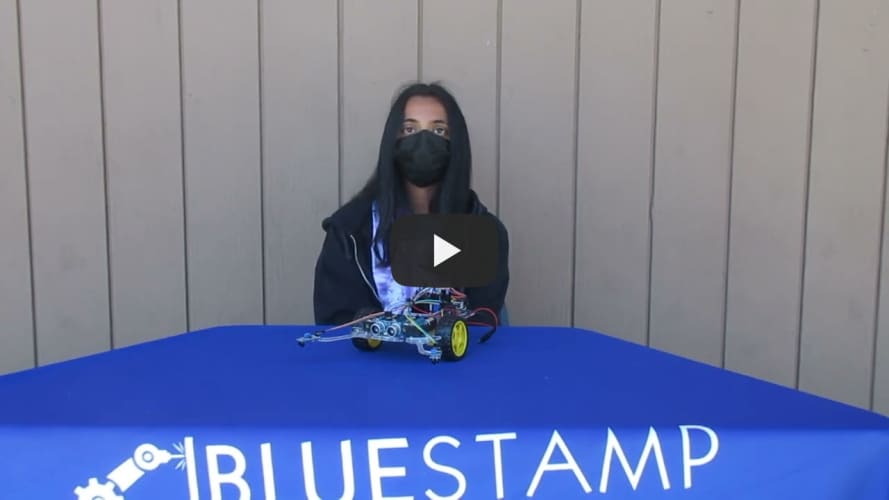
My final milestone was adding the ultrasonic sensor to my tabletop robot. The ultrasonic sensor tells the distance between it and an object in its path, and it works by emitting a sound and seeing how long it takes to bounce back. I hotglued the sensor to the front of the robot. I had to update my code so that when the sensor detects an object within 15 centimeters of the robot, it turns around and moves in a different direction. It was hard to get it to work with the IR sensors because a lot of timers were being used, so I had to remove some things from my program to make it work properly.
Second Milestone
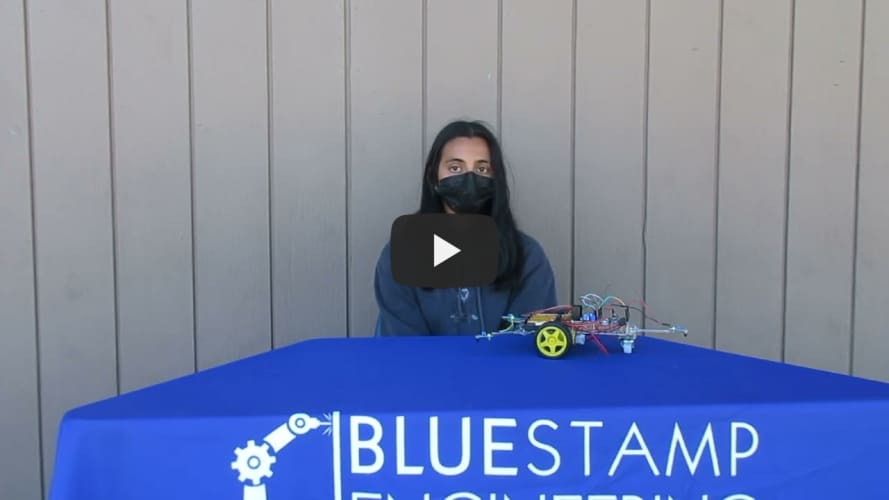
My second milestone was adding the three sensors to the front and the back of the car, and using them to tell whether the tabletop robot is at the edge of the table. I attached the sensors to plastic extensions of the ends of the car, so they leave the tabletop before the rest of the car. When that happens they tell the car to turn around and go some other direction. I did this by using the Arduino to read the data the sensors were getting. If the sensors were off the table, it would return a 1, and if they were still on the table, it would return a 0. Then I used a simple if statement to tell the car when to turn around.
First Milestone
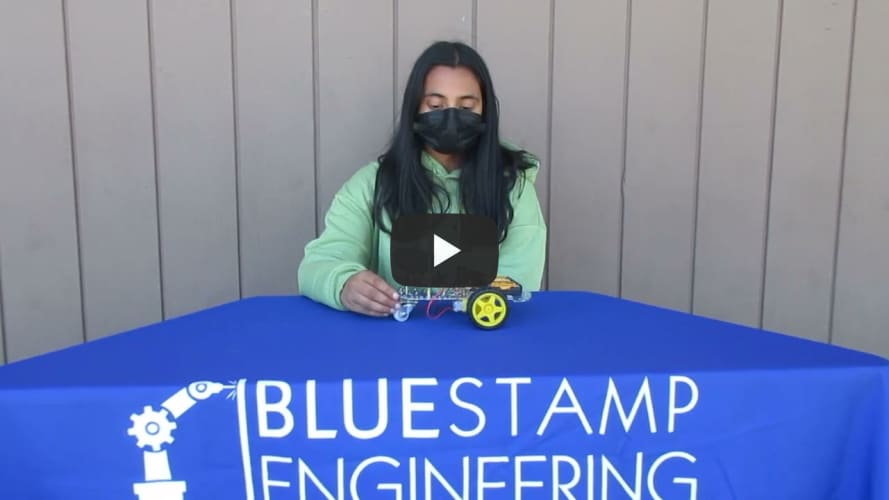
My first milestone was building the main structure of the car and making it move. I added the wheels and the motors to the bottom of the baseplate to allow the robot to drive around. I added the L298N Motor Driver on top of the baseplate, and it is used to easily control the direction and speed of the 2 DC motors. The Motor Driver connects to the battery and the motors with wires, and it also connects to the Arduino. With the Arduino IDE, I programmed my tabletop robot to move back and forth by making the wheels move in the same direction. To make it turn, I had to make the two wheels roll in different directions.
Starter Project
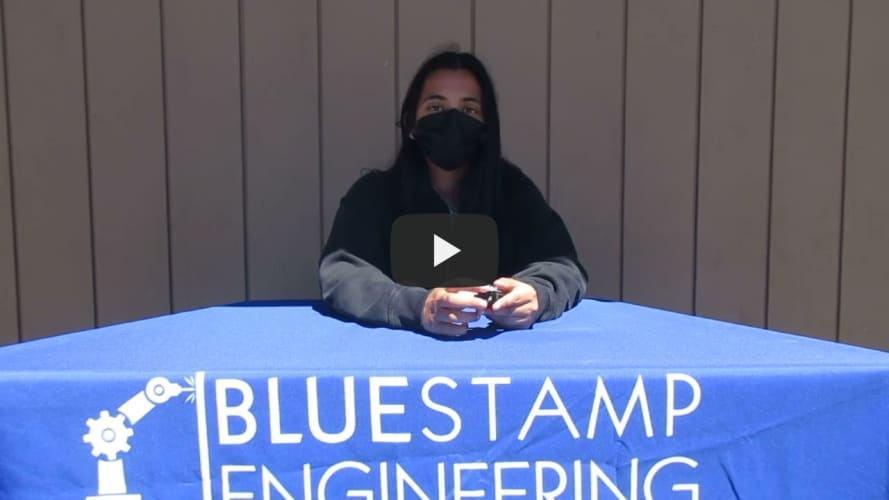
My starter project was the TV-B-Gone. It uses infrared lights to send a signal to the tv, which can turn it off. Some other components used are a ceramic resonator, a microcontroller, transistors, and a button. The button is for the user to press, and when switched on, it turns the lights on and off by emitting IR codes. The ceramic resonator acts almost as a metronome for the microcontoller. It tells the microcontroller how long a microsecond is, and the microcontroller uses that information to figure out when to blink the IR LEDs. The transistors amplify the power of the microcontroller and control the currents passed through the LED. One thing I enjoyed while doing this project was seeing it all come together and work in the end. One thing I struggled with was soldering and some other aspects of the assembly process, but after doing it a few times, I got the hang of it.
This is my circuit diagram for the tabletop robot:
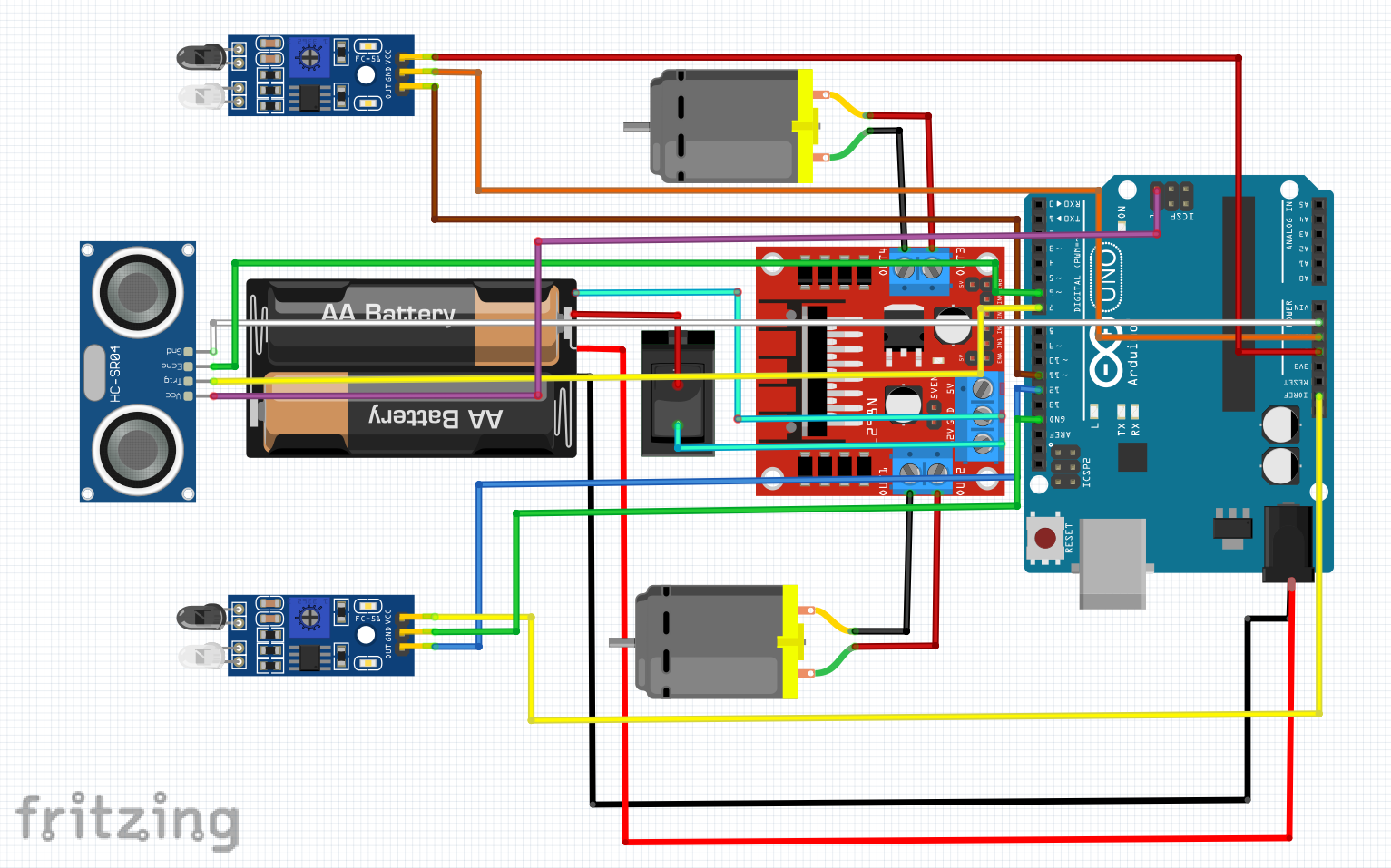
This is my code for the tabletop robot: https://github.com/BlueStamp-Engineering-2022/Shreya_BSE_Project/blob/gh-pages/sketch_jul12b.ino